Short Links
Short Links allow you to easily create custom links for each campaign, source, or post.
By default, analytics that live on your website will pick up parameters like the Page Referrer and UTM Source, but there are many sources which are “invisible” (ie, if you click a link from Discord’s native application, it will appear as “Organic”) or not very granular (while you can tell traffic is from Twitter, it’s impossible to see which tweet or biolink generated it). Spindl links let you create links at any granularity - per campaign, per source, or per post - to let you capture the analytics that matter most.
An example Spindl short link in the wild:
Creating Links
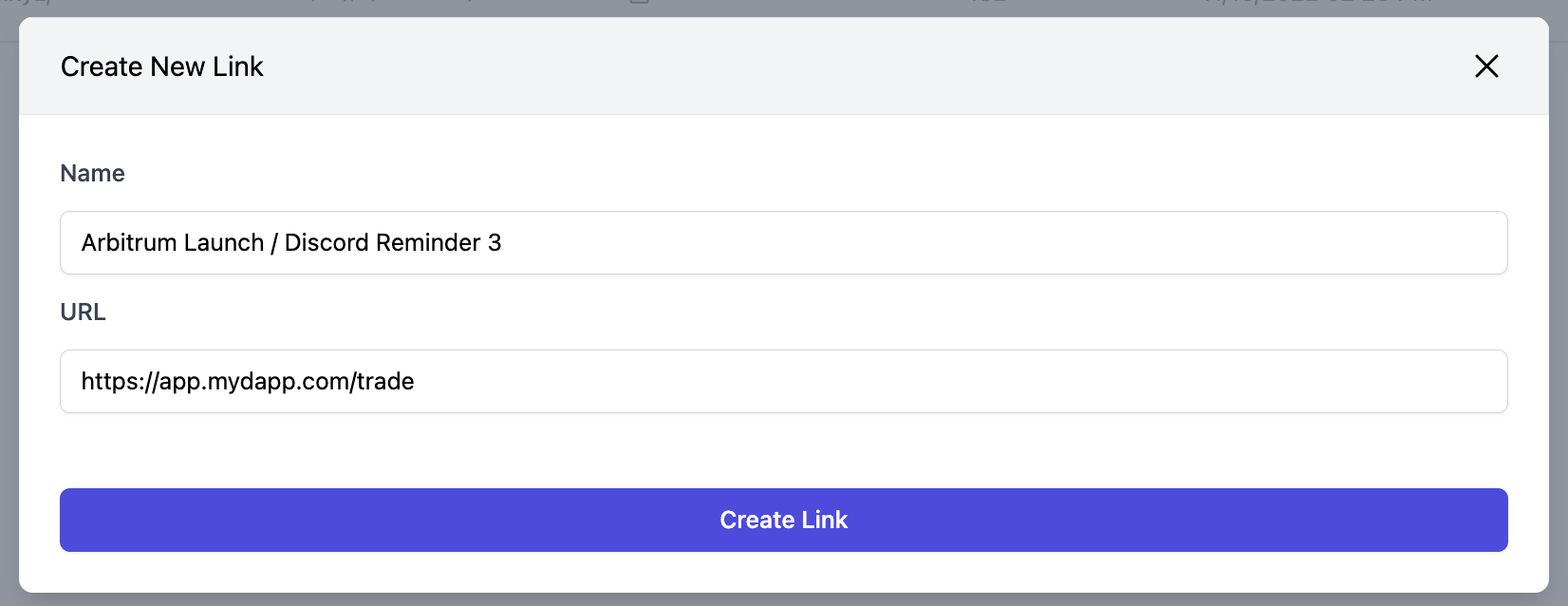
Creating a short link on Spindl is as simple as providing a name and destination URL. From there, we’ll generate a short link that you can share publicly. From there, you can track the engagement and downstream conversions.
Custom Domains
In addition to short links on the spindl.link domain, Spindl supports custom domains as well (so you can have links like share.mydapp.xyz/abcd). Custom domains require a little more set up, but can often better represent your brand and increase trust with customers.
To get started with Custom Domains, please out to the Spindl team.